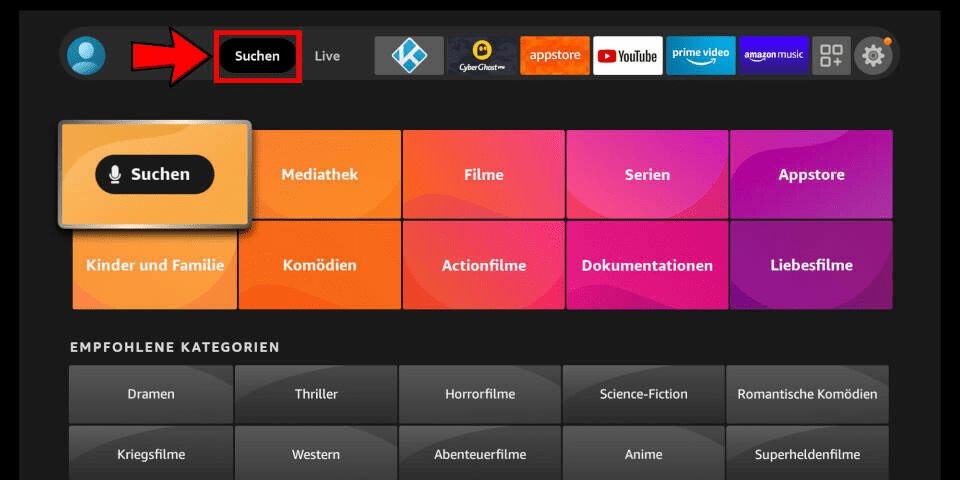
1) In the Android TV or Fire TV main menu, navigate to the “Search” entry and select the “Search” tile.
PLEASE NOTE: These are third party apps that are needed to stream content from our servers. You may also try searching “IPTV” in the app store, there are many different options. Most require a lifetime subscription of about $10 USD.
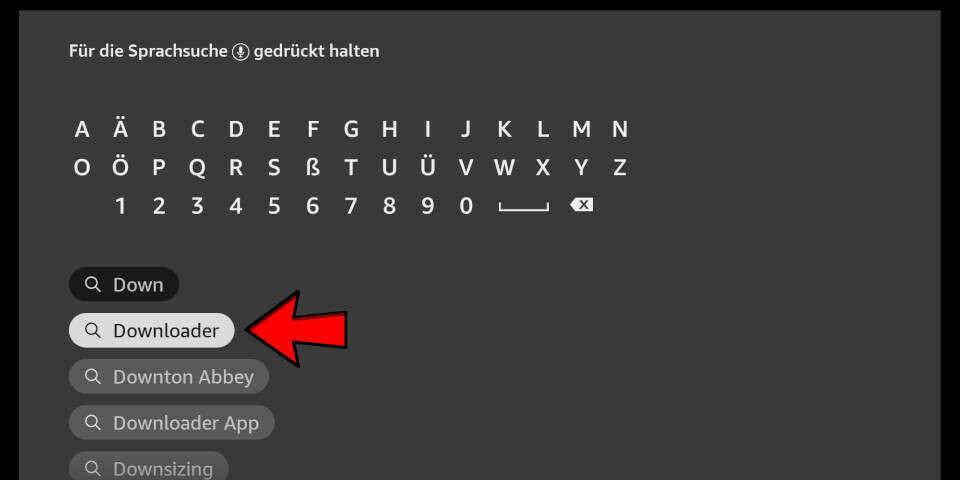
2) Enter the first letters of the word “Downloader” as a search term and select the corresponding search result using the arrow keys and the enter key on your remote control.
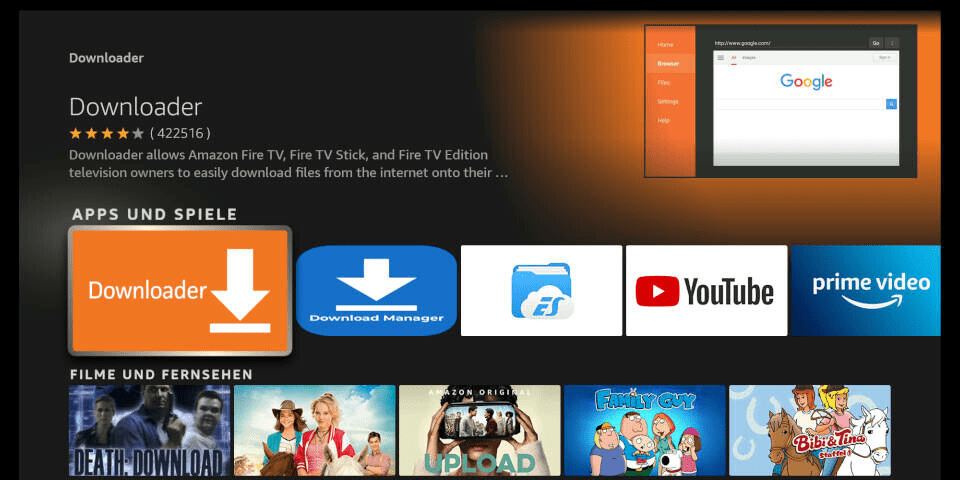
3) Open the entry for the Fire TV Downloader app.
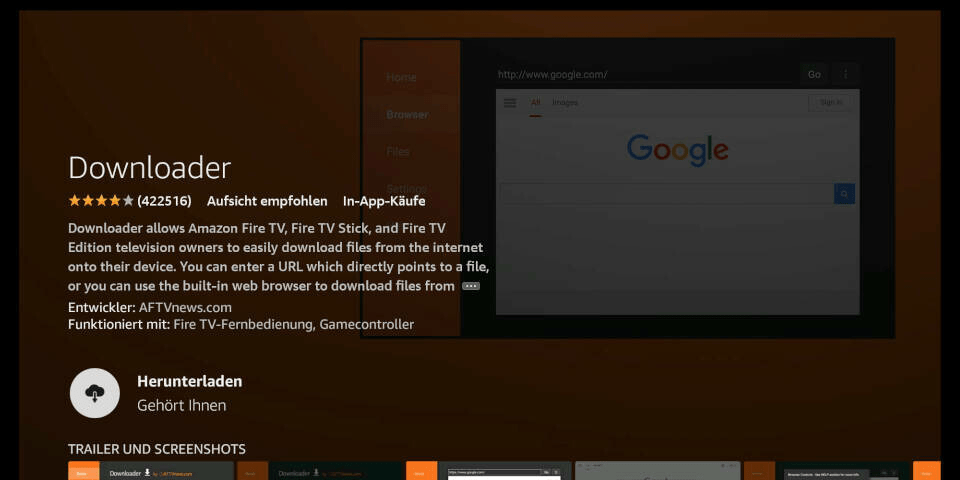
4) Press Enter on your remote control to start the installation
5) App is downloading. Open the app after installation.
6) When you start the app for the first time, you must grant the downloader access to your file system. Select the option “Allow”.
7) On the downloader’s homepage you can enter a number directly in the middle of the screen. You will receive this from us after purchase or when using a test account. Enter the number and press “Go”.
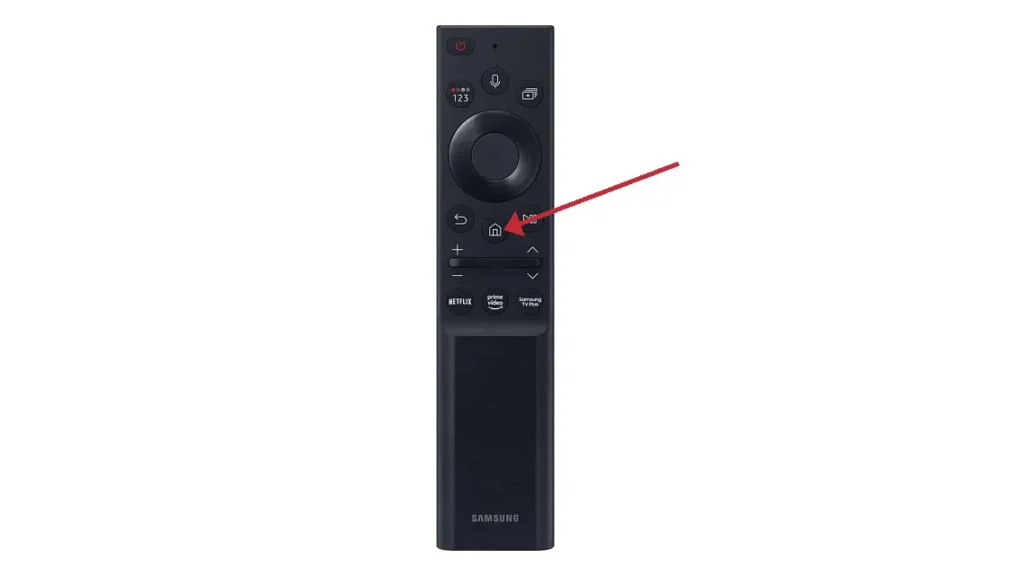
1)Press the ‘Home’ button on your remote, which is typically represented by a house icon or a 3D cube
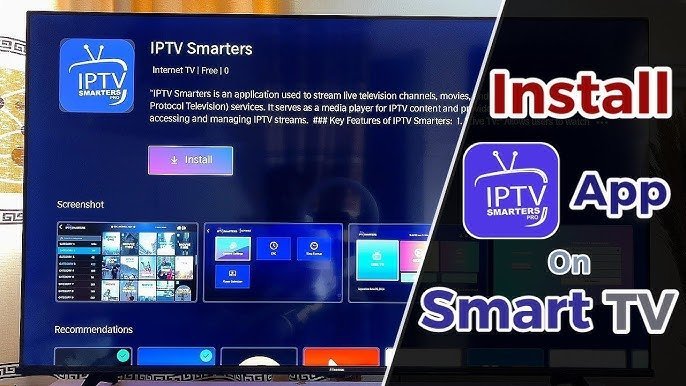
2) Navigate to the ‘Apps’ section and search for IPTV Smarters Pro. Once you find the app, select it and proceed with the installation.”
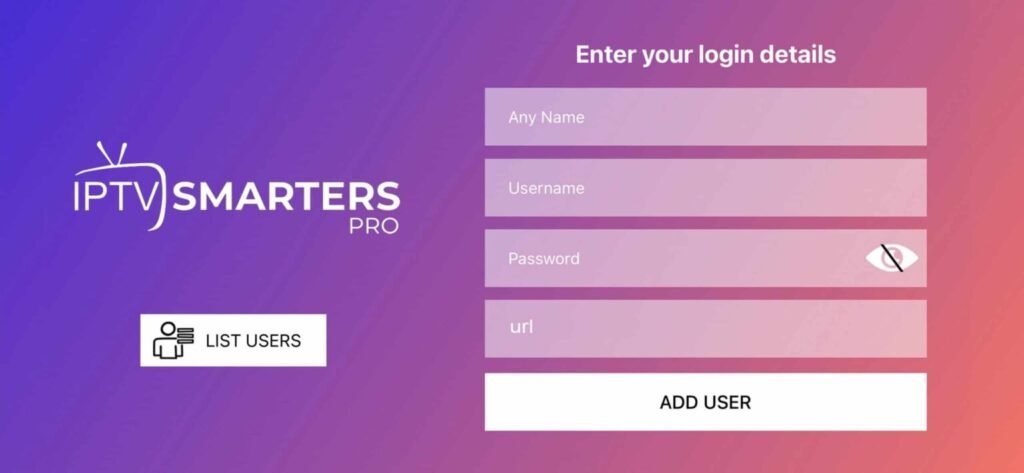
3) After the installation is finished, launch the IPTV Smarters Pro app by selecting ‘Open,’ then enter your login credentials to get started
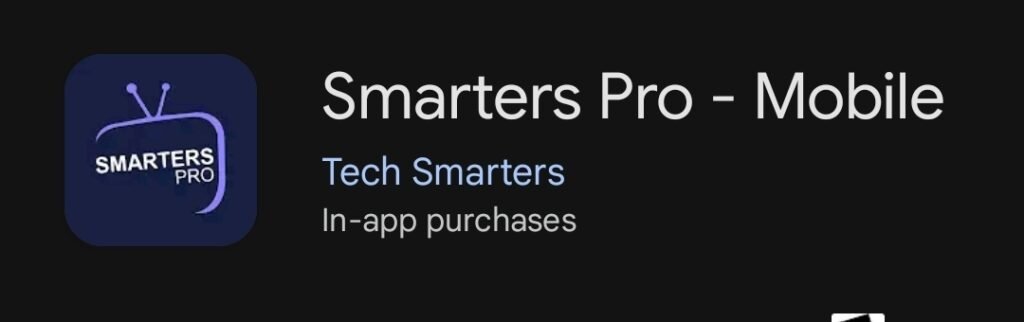
1)Download and install IPTV Smarters Pro.
PLEASE NOTE: These are third party apps. The apps are needed in order to stream our content. You can also use any IPTV player you like by simply searching “IPTV” in the app store. Some require a subscription, but usually only around $10 USD for lifetime.
2) After installation, simply log in with your access data (user name and password).
Frequently Asked Questions
Our support team is on standby 24/7 to help with subscriptions, setup, and any tech issues. We are here around the clock to ensure your streaming stays flawless.
Is IPTV legal?
IPTV is a technology that delivers TV channels and content through the internet. The legality of IPTV services depends on whether the content is properly licensed. Our service only offers authorized and licensed content. We always recommend that users check their local laws regarding IPTV services before using them.
What internet speed do I need for optimal performance?
For the best streaming experience, we suggest a minimum internet speed of 10 Mbps.
What channels are available with your subscription?
With our subscription, you’ll unlock access to over 24,000 channels spanning sports, movies, news, and entertainment!
Can I cancel my subscription at any time?
Yes, you can cancel your subscription anytime with no hidden fees!